After some discussion in the family, it was decided that I should take some time off work so that we could spend some time in the UK. For at least the next ten months I will be away from Australia, and seeing how life is back in Blighty. I don’t intent to write much, if anything, about what we are doing here and how I am finding it, but in preparation for our big trip I have been working through a few tech challenges, and I thought I might share them on here.
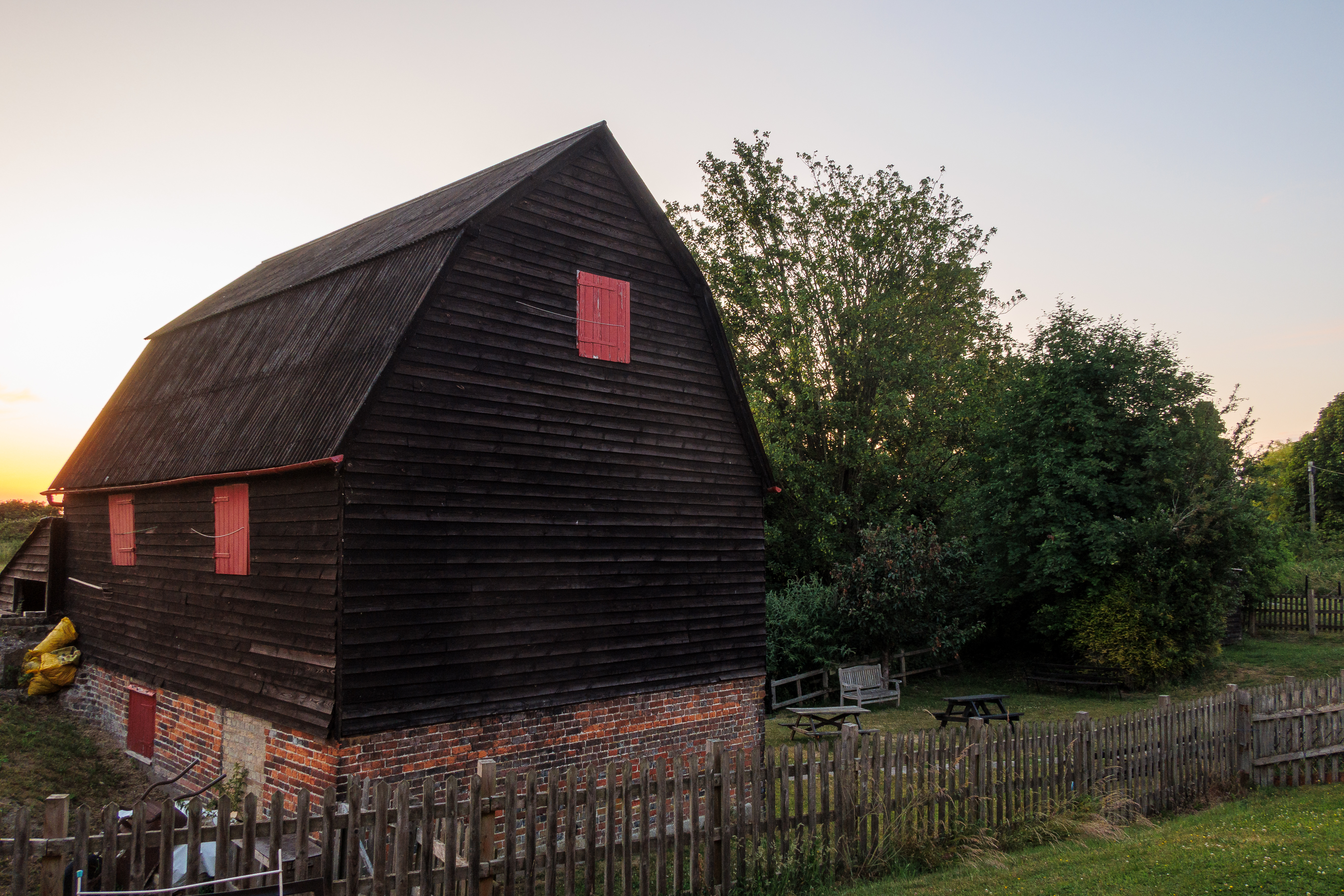
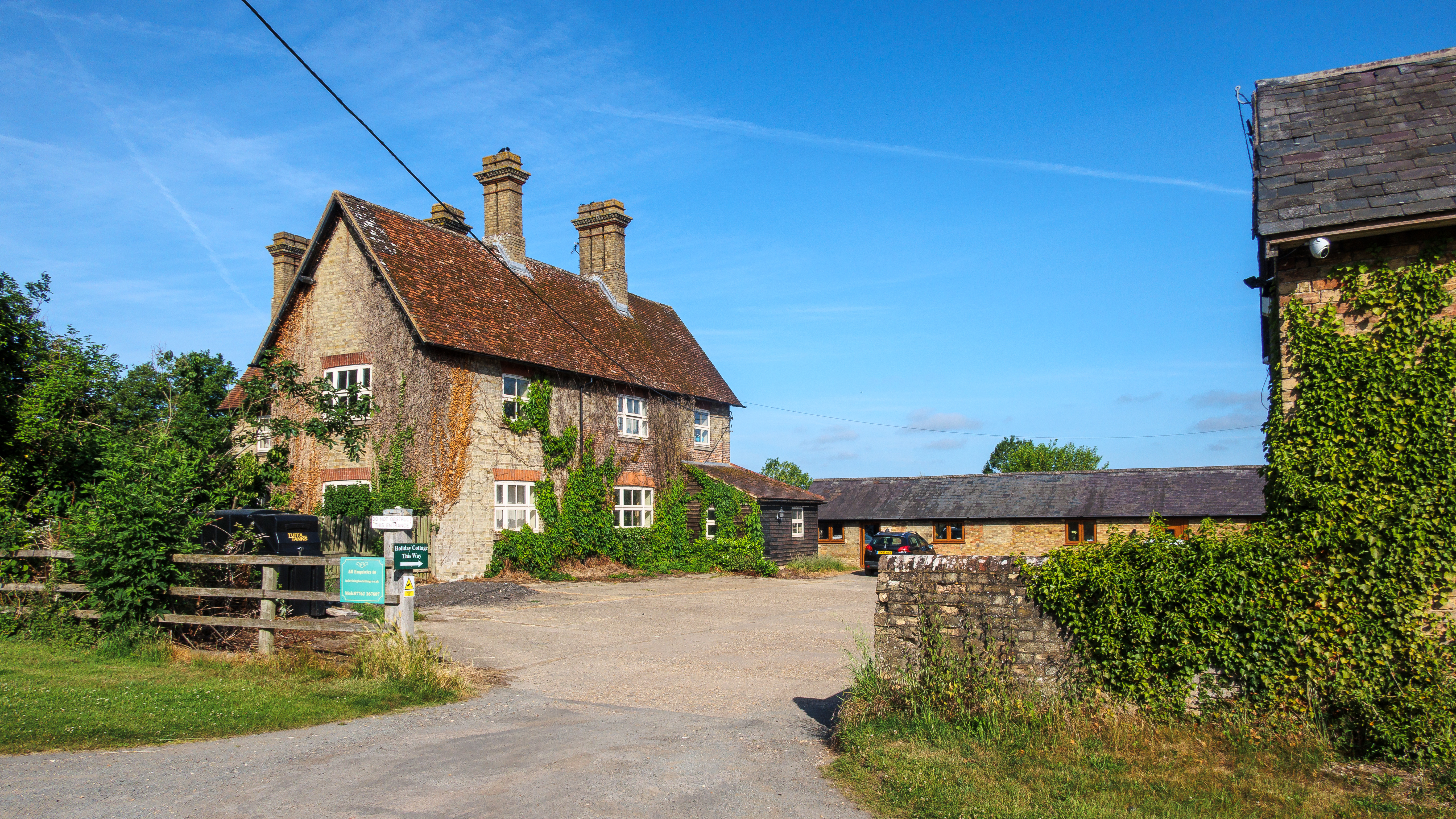
In the mean time, to go back on what I said above, I will share a couple of photos of our first few days back here in South East England. Having landed just five days before the Summer Solstice, we have immediately benefited from those long summer days. The weather has not disappointed either!
Initially staying near Ivinghoe in the Chiltern Hills, it has rekindled some childhood memories of growing up in the area. The big draw for me is the Ashridge forest and Beacon Hill. There is something about walking in and around forest that I find very relaxing!
So to get back on topic, I will start to post some tips and tricks that has helped me keep my tech and my photography going when away from home, and away from my trusty home network which has been shut down for now.
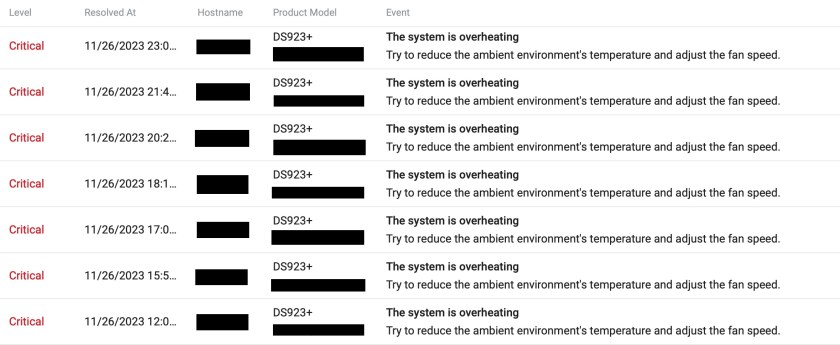
I recently started to get critical error notifications from my Synology DS923+ NAS, telling me that it was getting too hot. It coincided with warmer temperatures here in my office and as I bought the NAS in May, so it’s only seen winter temperatures so far here.
A quick look at the system parameters and I noticed that whilst the hard drives and M.2 SSDs were running within acceptable temperature ranges, the CPU was going well over 90C. I assumed that this is what was triggering the alerts as it also coincided with periods where the CPU was particularly active, such as when indexing media.
I was starting to get quite frustrated by the apparent lack of reaction from DSM (the operating system that runs the NAS) and its inability to respond to load and temperature changes with appropriate cooling fan speed. I ended up setting the fans to full speed, as opposed to letting the system adjust, and whilst that seemed to help reduce the CPU temperature I still got temperature warnings.
The final straw was when the NAS shut itself down as a precaution during a period of sustained high temperature. I decided to dig deeper as this was not going to do at all. I had already checked that both fans were running and not failing, so the next step was to consult the Internet to see if it was a common problem. It turns out it’s not, and I found very few posts if any about this so it must have been an issue specific to me. What I did find was some information on how to adjust the system parameters for setting fan speed and shutting down. Time to tinker.
I researched modifying a file called scemd.xml, which determines the fan speeds to use at different temperatures and the shut down temperature, for different components (hard drives, SSDs, CPUs, etc.). For anyone interested, and it is not recommended to tamper with these settings really, the links below might be useful:
As I looked through the pages and posts I found and looked through the config file on the NAS, the only option I could see was to increase the shut-down threshold for the CPU temperature. Doing some further research I could see that the AMD Ryzen R1600 in the NAS could potentially go about 15C higher than the shut-down temperature in the config file. But letting it run to 110C seemed like it wasn’t going to buy that much headroom and Synology clearly didn’t think this was a good idea either. Still, it was my only feasible option…
Just as I was about to launch into some mods to the config file I paused and thought again about the physics of the situation. Why was my NAS struggling? I can’t have the only DS923+ in a room over 25C on the planet. I sat and looked at the NAS, sitting on a glass shelf next to the old Synology DS420j when my mind wandered to what the air must be doing as the fans were running. I sort of remembered having to vacuum some dust off the large ‘Synology’ logo cut-out (with mesh in it) on one side of the unit, which was clearly where air is drawn in. What if it had something similar on the other side of the casing, the side sitting up against the other NAS? Well, there will be no gasps of surprise when I say that there is indeed a ‘Synology’ shaped air inlet on the other side. So what if I open the gap up between the two NASes? Well, lets just say that embarrassment of my stupidity gave way to relief!






 Vivi Somnium